Step-by-step plan JobTracker app
1
Download the app
In the App Store
or in Google Play

2
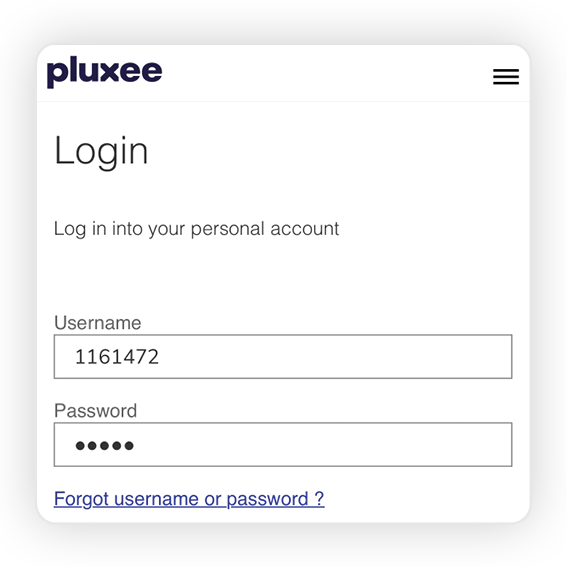
Sign in
Choose your language
(NL - FR - DE - EN)

3
Add employer
Request the required login and password from your office
4
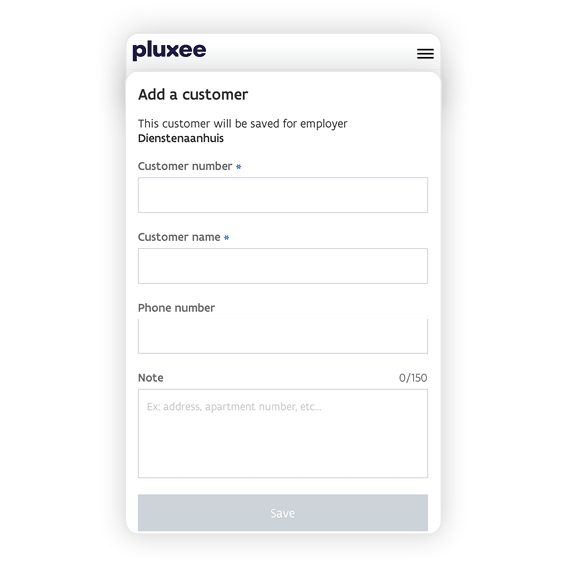
Add client
- Complete the details
- Click "Save"
5
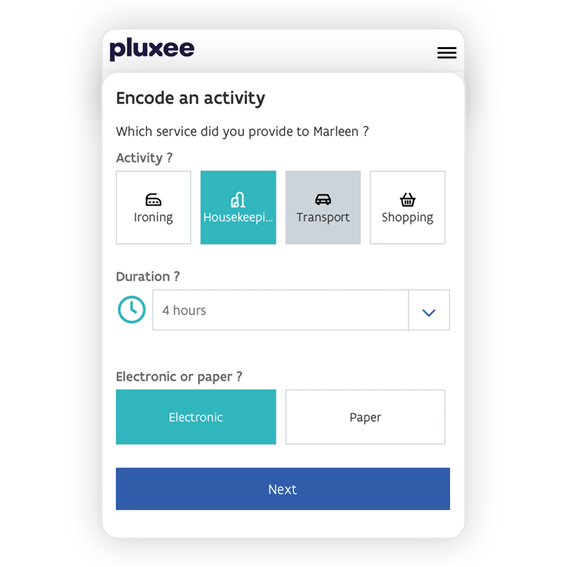
Register performance
- Click on the correct client
- Click on "activity"
- Fill in all the details and click "next"
- Check all the details
- Click on "encode activity"
6
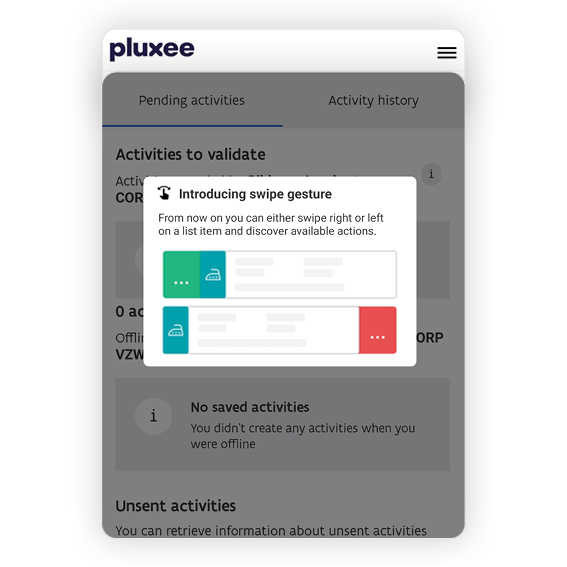
Validate activities
This step should only be used if you did not register the service yourself!
- Click on "activities" at the bottom of the home screen
- Under "activities to validate" you will see which activities need to be validated
- Swipe to confirm or edit the activity